Time4|QuranHD
Read, listen and translate Quran like on a real book
Read, listen and translate Quran like on a real book
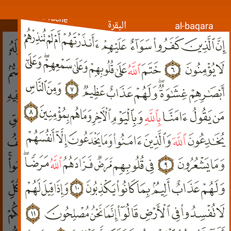
Read Quran in a clear interface, turn page like a real book
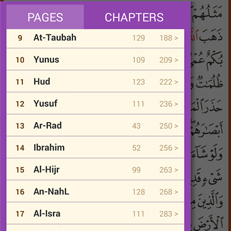
Slice you finger from left edge of your device to the middle of screen to open page summary. click on any sura to directly jump in read mode.
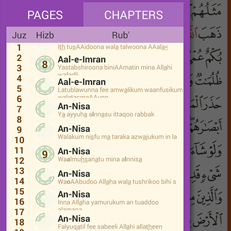
Slice you finger from left edge of your device to the middle of screen and choose chapters view. click on any chapter to directly jump to the first ayah.
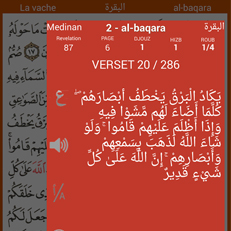
Tape and hold any ayah to open right panel to view ayah details
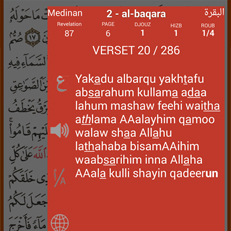
Tape and hold any ayah to open right panel to view ayah transliteration and translation.
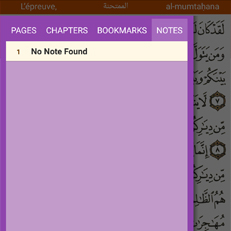
Open right panel to add and attach a note to any ayah, then open left panel to quickly jump on it
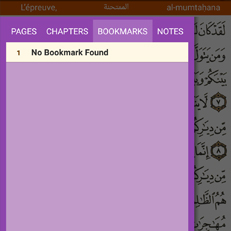
Store and Open ayah shortcuts